

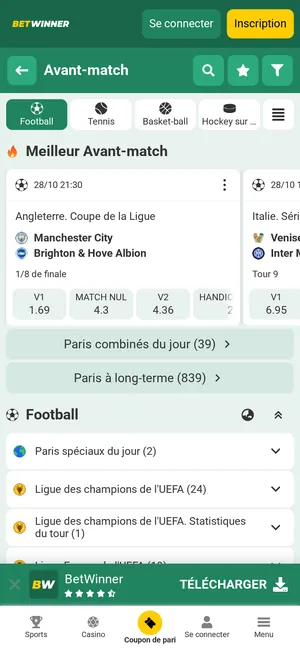
This guide explains where to find the official file, how to install and update it, how to get the app on iOS and how to solve common problems.
What Is the Betwinner Mobile App?
The Betwinner mobile app brings the sportsbook, live markets, casino and account features of betwinner.cm into an application installed on your phone. It is available for Android, as an APK file from the official site, and for iPhone and iPad, in the App Store. All versions use the same account as the website, so you can switch between them at any time.
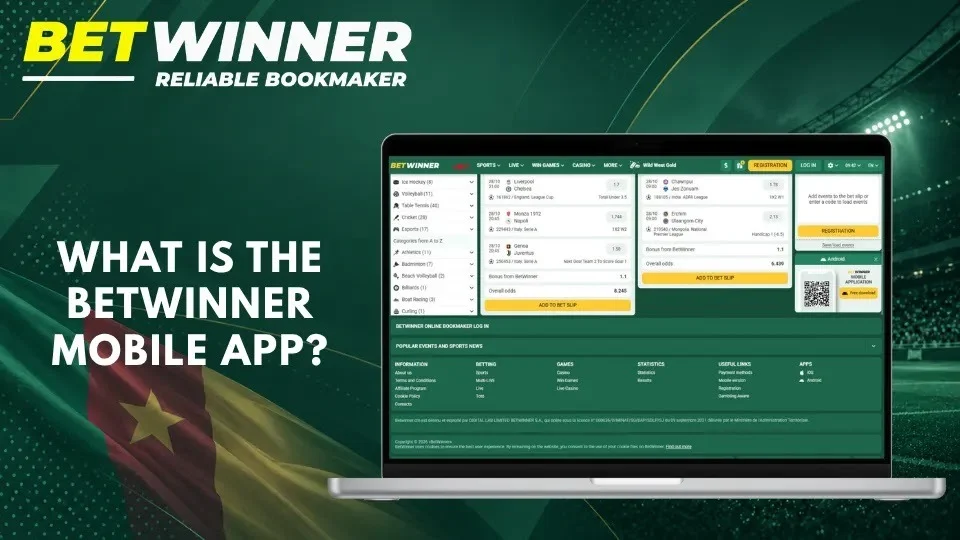

The app mirrors the main sections of the Cameroonian website:
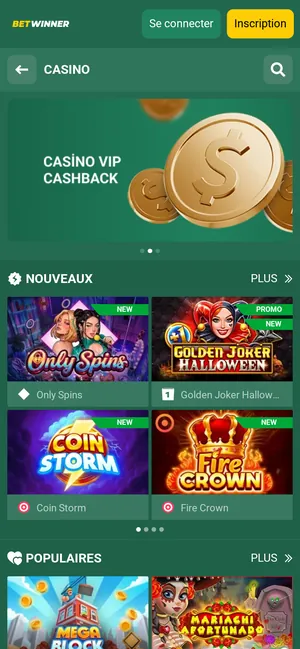
Deposits and withdrawals work in the app exactly as on the site, with Orange Money and MTN Mobile Money in XAF. As on the website, review the bet slip before confirming a stake.
The app is published by the Cameroonian operator of betwinner.cm, DIGITAL LAB LIMITED BETWINNER S.A., which holds licence No. 000036/
Betwinner App vs Mobile Website
Both give access to the same account, but they work differently: the website runs in a browser, while the APK installs a separate application on the device.
| Consideration | Installed Android app | Mobile website |
|---|---|---|
| Initial access | Download the APK from betwinner.cm and allow the installation | Open betwinner.cm in a browser |
| Updating | Install new versions from the official site | Always up to date |
| Permissions | Can request Android permissions | Uses the browser’s permissions |
| Storage | Occupies app storage | Uses the browser cache |
| Convenience | Opens from the home screen | Needs no installation |
The app suits players who bet often and want quick access from the home screen; the mobile website is enough for occasional use or when phone storage is limited.
How to Download Betwinner APK in Cameroon
Downloading takes a minute: find the official link, get the file and check it before installing.
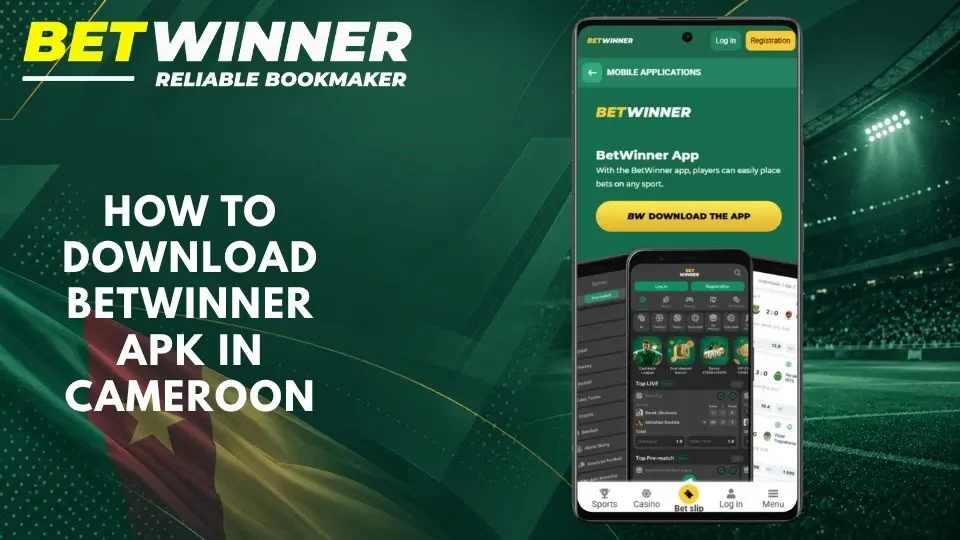
Find the Official Betwinner APK Download Link
Start on betwinner.cm rather than on an APK directory, a forwarded message or an advertisement:
Open betwinner.cm in your phone's browser
Open the menu and go to Mobile applications
Choose the Android version of the Betwinner App
Tap Download the app
If a link sends you to another domain, close it: copies of the app published elsewhere can be modified to steal account data.
Download the APK File on Android
- Tap Download the app on the official page.
- Confirm the download if your browser asks.
- Wait until the file is saved.
- Open it from the browser’s downloads or the file manager.
Ignore “premium”, “modded” or “unlocked” versions offered elsewhere: the official app is free, and no version can guarantee winnings or better odds.
Check the File Before Installation
An APK runs code once installed, so take a few seconds to check it:
- the file was downloaded from betwinner.cm
- the installer shows the Betwinner name
- Google Play Protect or your phone’s security scan is active
- the app does not ask for access unrelated to betting, such as your contacts or SMS
- the file has not been renamed or forwarded by someone else
If Android flags the file as harmful, do not override the warning: download the file again from betwinner.cm or ask support.
How to Install Betwinner APK on Android
Android installs an app from outside Google Play once you allow the app that opens the file, usually your browser, to do so. The official Mobile applications page shows the same steps; menu names vary slightly between phone brands and Android versions.
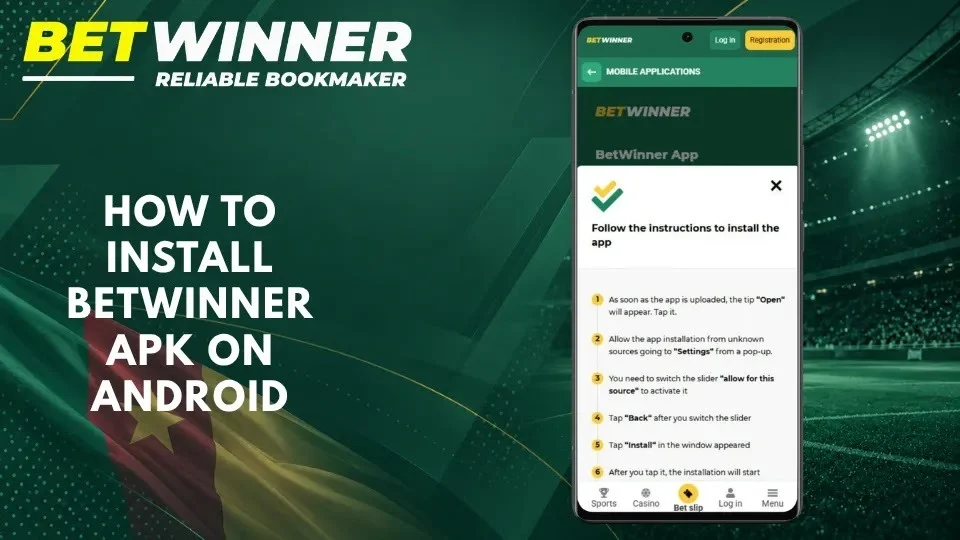
Allow Installation from This Source
- When the download is complete, tap Open.
- If Android blocks the installation, tap Settings in the pop-up.
- Switch on Allow from this source for your browser.
- Tap Back to return to the installation screen.
This permission applies only to the browser or file manager you used. You can switch it off again once the app is installed.
Complete the Installation
Check the app name on the installation screen
Tap Install
Wait for Android to finish
Tap Open, or start Betwinner from the home screen
If an older copy of the app came from another source, Android may refuse the official file because the signatures differ. In that case, uninstall the old copy and install the file from betwinner.cm.
Open the App and Sign In
- Launch the app.
- Tap Log in, or Registration if you are new.
- Enter your Betwinner account details.
- Complete any security check the app requests.
- Check your balance and settings before placing a bet.
New players can register directly in the app and enter the promo code GDB777 in the registration form; our sign-up guide explains each step.
Betwinner App for iPhone and iOS
An Android APK cannot be installed on an iPhone. iPhone and iPad owners download the official Betwinner app from the App Store: the Cameroonian listing is called BetWinner.cm, its developer is DIGITAL LAB LIMITED S.A., and it requires iOS or iPadOS 15.0 or later. The app is free and takes about 300 MB of storage.
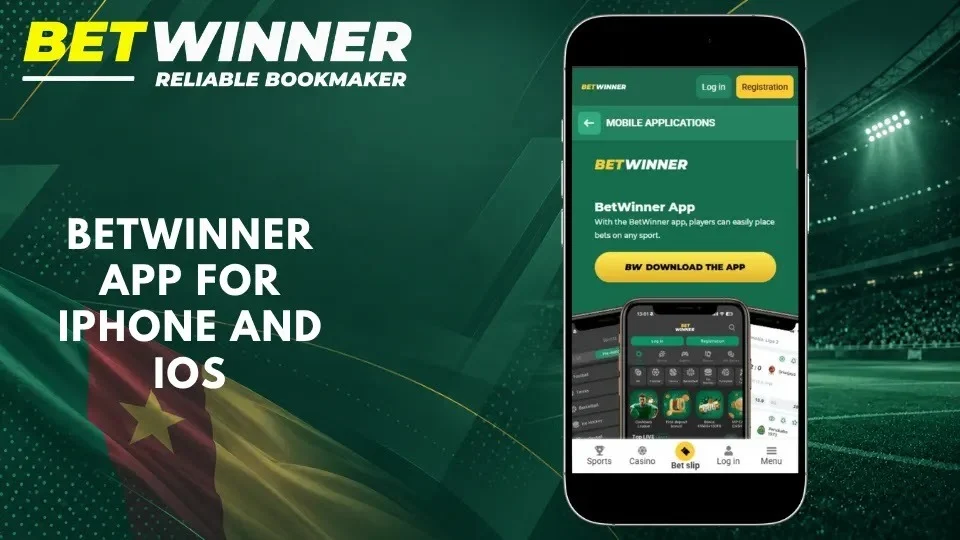
How to Access Betwinner on iPhone
- On betwinner.cm, open Mobile applications and tap the iOS download button, or search for BetWinner.cm in the App Store.
- Check that the developer is DIGITAL LAB LIMITED S.A.
- Tap Get and confirm with Face ID, Touch ID or your Apple ID password.
- Open the app and log in or register.
Install the app only from the App Store: configuration profiles or files promising an “iPhone edition” are not official. If your device runs an older iOS version, use betwinner.cm in Safari; adding the site to the Home Screen gives you a quick shortcut.
Android APK on betwinner.cm, BetWinner.cm on the App Store (iOS 15.0+).
How to Update Betwinner APK
Updates bring new features, fixes and security improvements. On Android, the new version is published on the Mobile applications page of betwinner.cm; on iPhone, the App Store updates the app like any other.
Check for the Latest Version
Compare the version shown in Android’s app information (Settings → Apps → Betwinner) with the current release on the Mobile applications page of betwinner.cm. Keep Android itself updated too, as recent system versions run the app more smoothly.
Install an Official Update
- Open the Mobile applications page on betwinner.cm.
- Download the current Android version.
- Open the file and confirm the update on the installation screen.
- Launch the app and check that it works normally.
An official update installs over the existing app and keeps your settings. If Android reports a signature conflict, your current copy did not come from the official site: uninstall it and install the file from betwinner.cm.
Common Betwinner Download APK and Installation Problems
Most problems come from the connection, storage space, Android settings or an incomplete file. Start with the simple checks below.
APK File Will Not Download
Check your connection and free storage, and make sure you are on betwinner.cm. If the browser blocks the download, try again from the official Mobile applications page or use another browser. Download the file again only from the same official page.
App Cannot Be Installed
Android can refuse the package because of low storage, an interrupted download, the source permission or a conflict with an older copy from another source. Free some space, allow installation for your browser and download the file again from betwinner.cm. Remove an older unofficial copy before installing the official app.
App Crashes or Will Not Open
Restart the phone, install the available Android updates and make sure you have the latest app version from the official site. If the app still closes, clear its cache in Settings → Apps → Betwinner or reinstall it; your account and balance are kept on Betwinner’s side. Meanwhile, the mobile website gives access to the same account.
If the problem persists, contact support with your phone model, Android version and the error message, without sending your password or codes.
Login and Connection Problems
Check your internet connection and your login details, then try signing in on the website to see whether the problem is limited to the app. Use the official password recovery if needed, and never enter your credentials on a page sent by an unknown contact.
Is Betwinner APK Safe to Download?
Yes, when it comes from the official source. The Betwinner app is published by the Cameroonian operator of betwinner.cm; copies of the APK on other websites can be modified and are not supported.
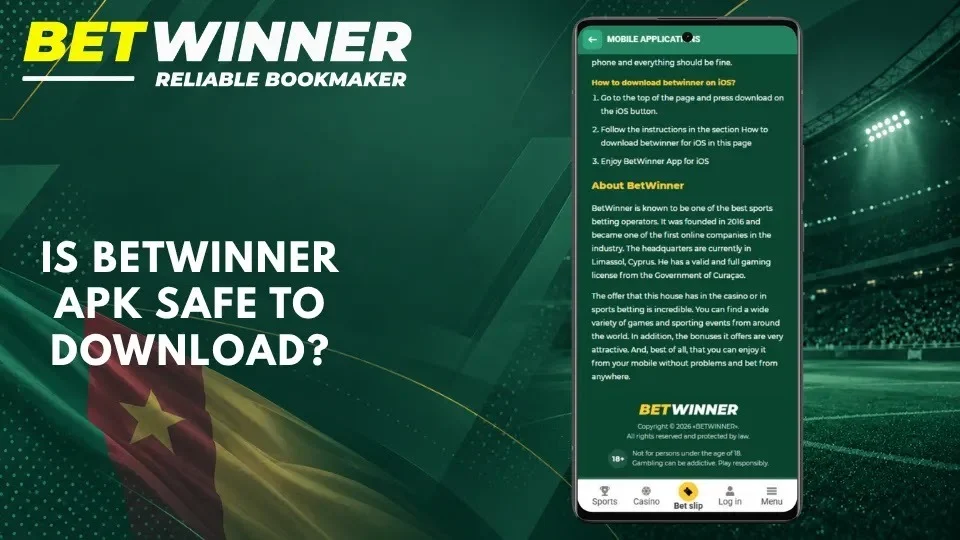
Use Official Download Sources
Download the Android app only from the Mobile applications page of betwinner.cm, and the iOS app only from the App Store. The operator, DIGITAL LAB LIMITED BETWINNER S.A., holds licence No. 000036/
Avoid “old working versions”, cracked editions, files shared in messaging groups and packages that ask you to switch off your phone’s protection.
Protect Your Account and Device
Keep Android security updates current, use a unique password and do not save your credentials on a shared device. Review the app’s permissions and revoke access it does not need. Set yourself betting limits, avoid chasing losses and stop if play starts to affect your finances: having the app on your phone does not change the risks of betting.
Frequently Asked Questions
No answer?Support answers 24/7 by phone, through the online consultant and by e-mail.
Can I download Betwinner APK directly in Cameroon?
Yes. Open the Mobile applications page on betwinner.cm and download the Android file there; it is free.
Does Betwinner APK work on every Android phone?
It works on most current Android smartphones. If your phone cannot install it, use the mobile website, which offers the same account and features.
Is there a Betwinner app for iPhone?
Yes. Download BetWinner.cm from the App Store; it requires iOS 15.0 or later. APK files cannot be installed on iOS.
Can I use Betwinner without installing an app?
Yes. betwinner.cm works in any mobile browser, with sports, casino and account sections.
Should I turn off Android security warnings to install it?
No. Allow installation only for the browser you used to download the official file. If Android flags the file as harmful, download it again from betwinner.cm.
How do I update the Betwinner app?
On Android, download the latest version from the Mobile applications page and install it over the current one. On iPhone, the App Store handles updates.
What should I do if the app will not open?
Restart the phone, update the app and try the mobile website. If the problem continues, contact support 24/7 at +44 20 4577 2772 or through the online consultant.